Nib
A markdown reader you can also edit, not an editor that previews.
2
Platforms, one codebase
1
Keystroke from reading to editing
0
Accounts, syncs or servers
620kB
WASM engine found and removed from the critical path
Why this exists at all.
Every time a markdown document needed reading, it meant opening a code editor. A document written to be read was being displayed as source in a tool built for source: line numbers, a file tree, a terminal drawer, syntax colouring, none of which has anything to do with reading a paragraph.
The alternatives all failed the same way from the other direction. They were editors that happened to preview, part of some larger ecosystem, required an account, synced things nobody asked them to sync, and looked identical to one another.
The actual requirement was small and specific: open a `.md` file and get something worth reading, with the typography of a document and none of the chrome of an IDE. Editing should exist, one keystroke away, and stay out of the way until asked for.
The decisions, and what they rule out.
Reading is the default state, not a mode
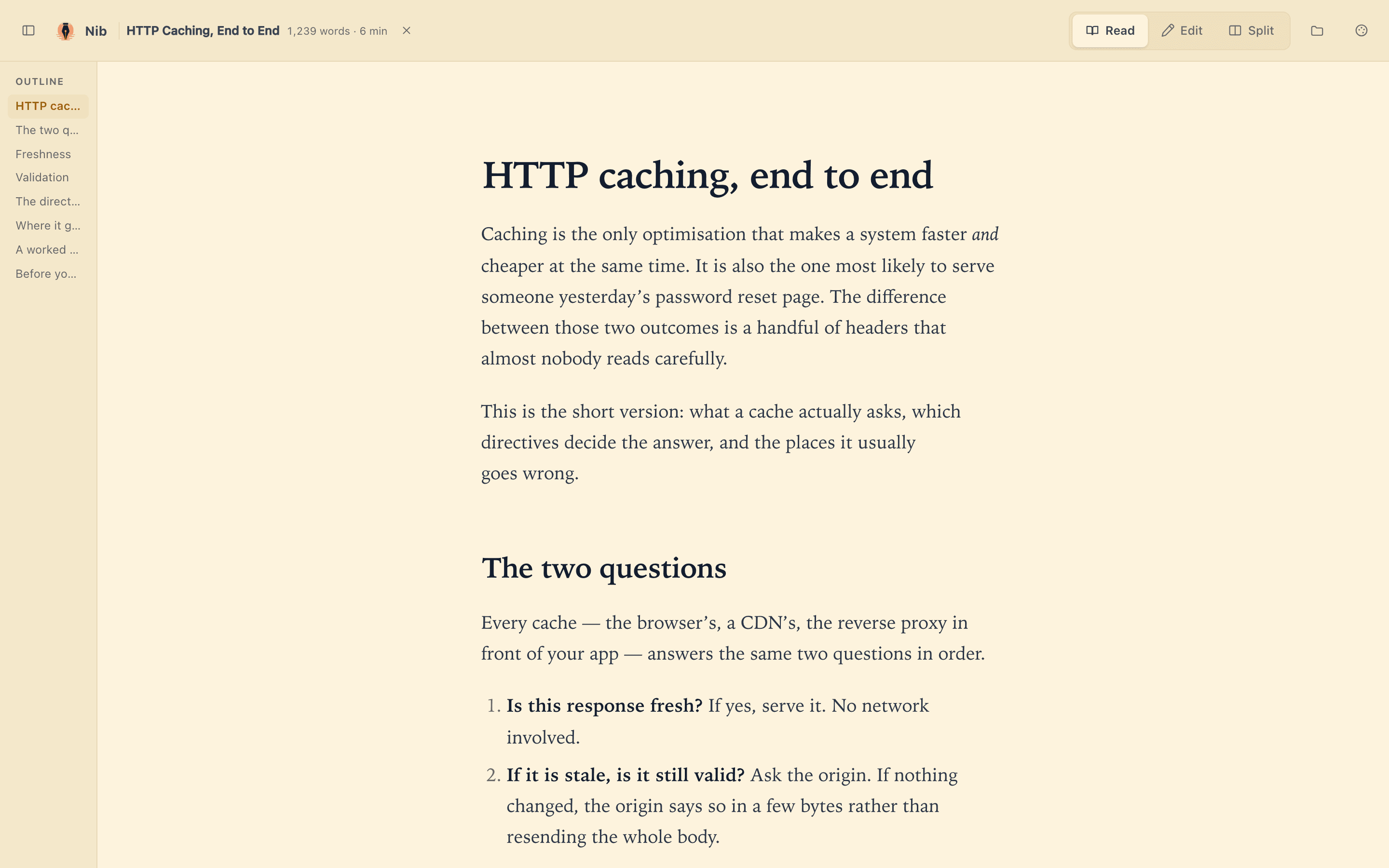
The application opens in Read. Edit and Split are one keystroke each. This inverts every other markdown tool, and it is the whole design: the common case, I have a document and I want to read it, costs nothing, and the rare case costs one key.
Any VS Code theme repaints the entire application
Not just the code fences. The titlebar, outline, controls, paper and prose all derive from the theme's `colors` block. Drop a theme JSON from the marketplace onto the window and the app rebuilds around it. This started as a convenience and became the most-used feature for an unexpected reason: reading a client's documents in that client's own colours is a way of sitting inside their world for an hour. It connects you to the thing you are about to build.
One codebase, native where it matters
Native macOS app and web app from the same source. Native because it needs to be the default handler for `.md`: double-click a file in Finder and it opens here, which is the entire point and cannot be done from a browser tab.
Nothing stored server-side
No account, no sync, no telemetry. Session restore is local. A tool for reading a file should not have opinions about where that file lives.
The things thinking about it did not catch.
Every item below is a real defect, found by measurement, with a commit behind it. They are here because the failures are more informative than the features.
The syntax highlighter cost more than the app
Shiki's default entry pulls the Oniguruma WASM regex engine: roughly 620kB before a single line of markdown is rendered, for a feature that only matters inside code fences. Measured, then routed around.
The sanitiser was silently eating the diagrams
Mermaid diagrams rendered blank with no error. DOMPurify strips `data-*` attributes by default, and the diagram source was being passed on one. The failure was invisible: no console error, no broken layout, just an empty block where a diagram should be.
The window drag region is not the one you would guess
Tauri drags with `data-tauri-drag-region`, not Electron's CSS `-webkit-app-region`. Separately, with an overlay titlebar, anything covering the traffic lights eats the clicks, so the layout has to leave that corner genuinely empty, not merely transparent.
Installing the app gave the file association away
Reinstalling the bundle handed the `.md` association back to another editor. For an app whose central claim is 'double-click a markdown file and it opens here', that is not a cosmetic bug. It silently removes the reason the app exists.
Icon geometry is a specification, not a taste question
macOS icons need the artwork on an 824px tile inside a 1024px canvas, with the margin baked into the image. Get it wrong and the icon is subtly the wrong size next to every other app in the dock: visible immediately, and only to the person who owns the machine.
- TypeScript
- Vite
- Tauri
- Shiki
- Mermaid
- The 512px PWA icon is an upscale of the 192px one. Harmless today, wrong if it ever gets used at size.
Free, no account, running right now.
nib-markdown.vercel.app